
A template separates a reusable layout from the changing details inside it. InkSmith includes built-in designs for invoices, letters, brochures, forms, and other business documents.
Start from the library
Open the template library or the new-document wizard. Browse by category, preview a design, and choose one to edit. A built-in template is a starting point; changes to your working document do not rewrite the shipped original.
Name your version clearly so the next person can distinguish it from the starter. Save a copy before making a major design change.
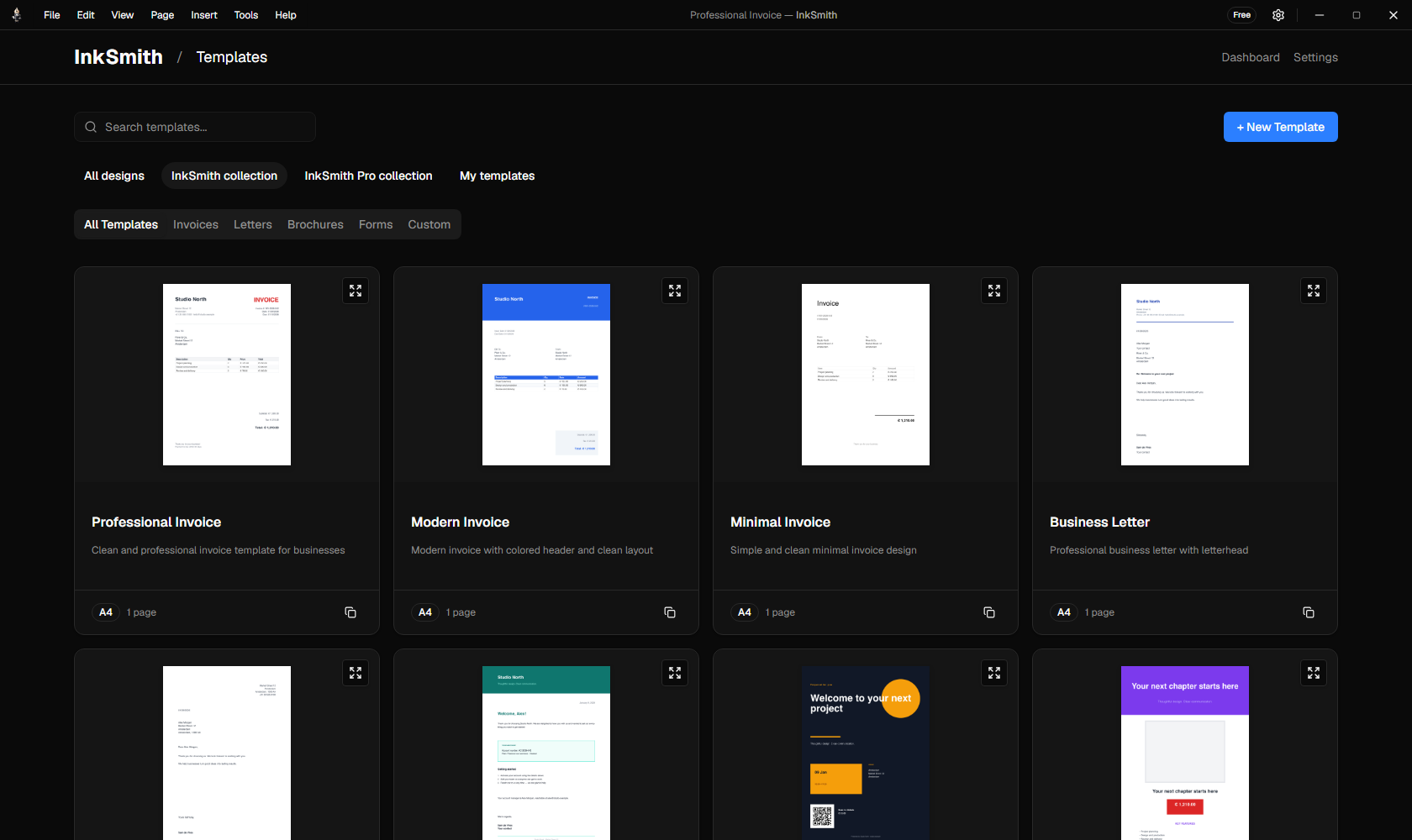
Build a reusable layout
Keep stable elements such as your logo, page structure, headings, and brand colors in the template. Bind changing details—customer name, invoice number, line items, or dates—to data fields. Preview the result with a sample record before exporting.
See data and mail merge for record previews and batch output.
Portable .inks files
A newly saved .inks package carries the template data, placed assets, and exact font files required for rendering. InkSmith validates those resources on load. A font that cannot be obtained or packaged blocks a portable save with a diagnostic so the design is not silently altered.
Older templates can still open, but may depend on fonts installed on the machine. Re-saving one into the current portable format resolves and packages its required fonts or reports what must be replaced.
Share and revise
Use template export and import to hand a design to another InkSmith user. Keep a clearly named local copy when making changes for a new client or campaign. For a managed organization-wide library, Press Control provides remote drafts and published versions when your license and server permit it.
Good practice: After sharing a template, render one representative PDF on the receiving computer before a large batch run.